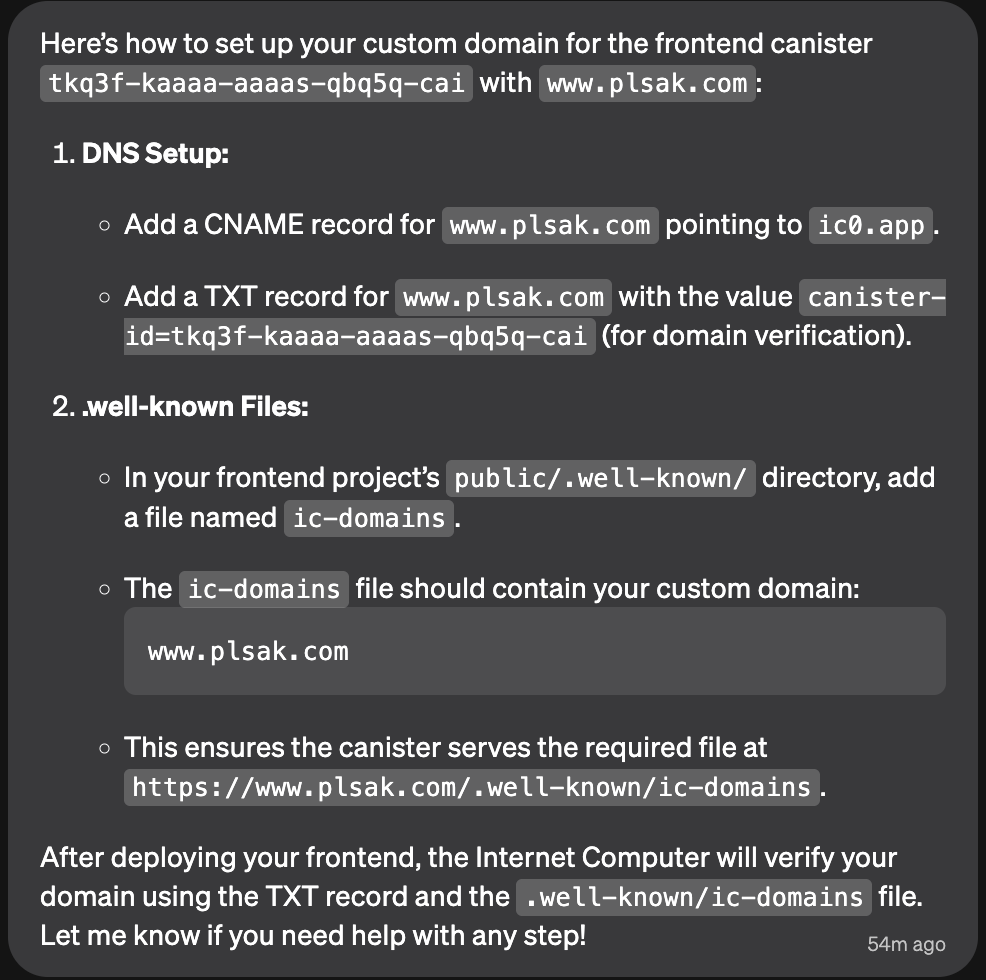
Hi, I’m trying to configure custom domain www.plsak.com for my dapp (by Caffeine): https://plsak-m9e.caffeine.xyz/
Backend Canister: tks3f-kaaaa-aaaas-qbq5q-cai
Frontend Canister: tkq3f-kaaaa-aaaas-qbq5q-cai
My DNS records configuration:
$ host -t cname www.plsak.com
www.plsak.com is an alias for tks3f-kaaaa-aaaas-qbq5q-cai.icp0.io.

$ host -t txt _canister-id.www.plsak.com
_canister-id.www.plsak.com descriptive text "tks3f-kaaaa-aaaas-qbq5q-cai"
Caffeine is very confident on the setup so I configured DNS records as advised, looking on below doc there are a bit different ones ( ...icp1.io, _acme-challenge, …icp2.io …) but Caffeine confirmed that it’s testnet/not-needed:
I got advised that the propagation can take up to 48 hours but as that period has passed and I’m still getting just Unknown Domain (https://www.plsak.com/) would like to ask to review my (and caffeine.ai) setup to identify if is there something incorrect or eventually if is there some limitation on ICP.
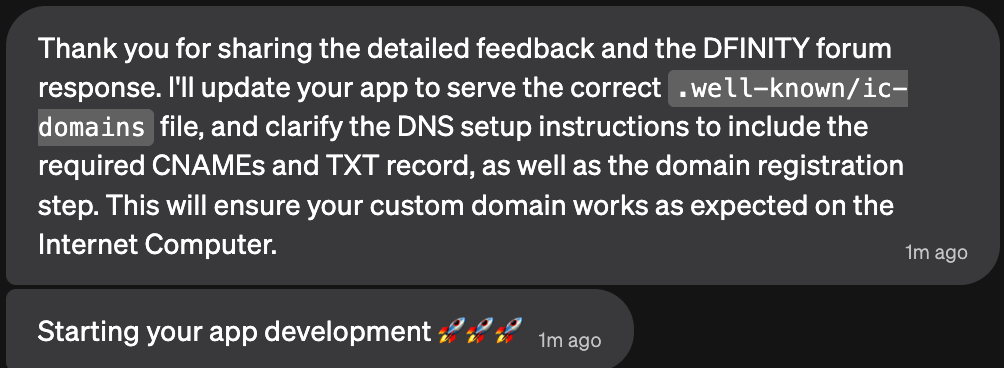
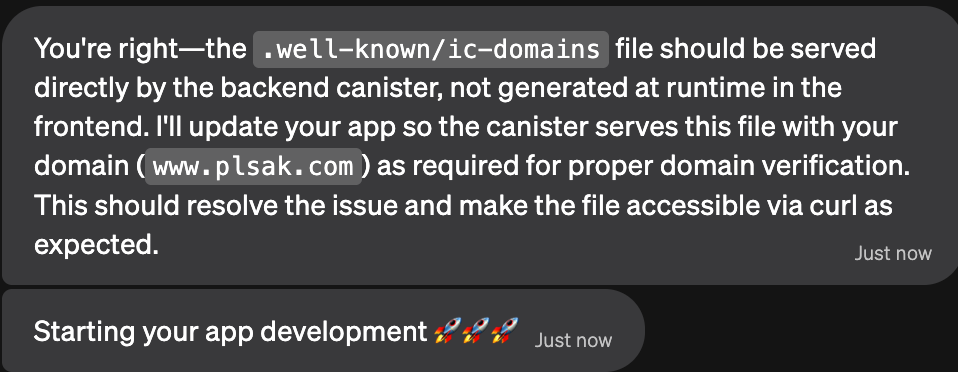
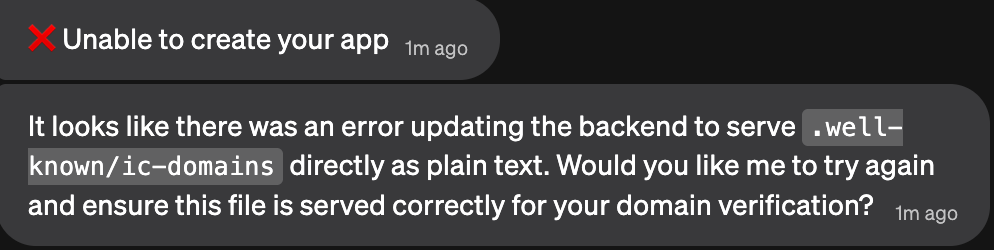
Relevant communication with caffeine.ai:
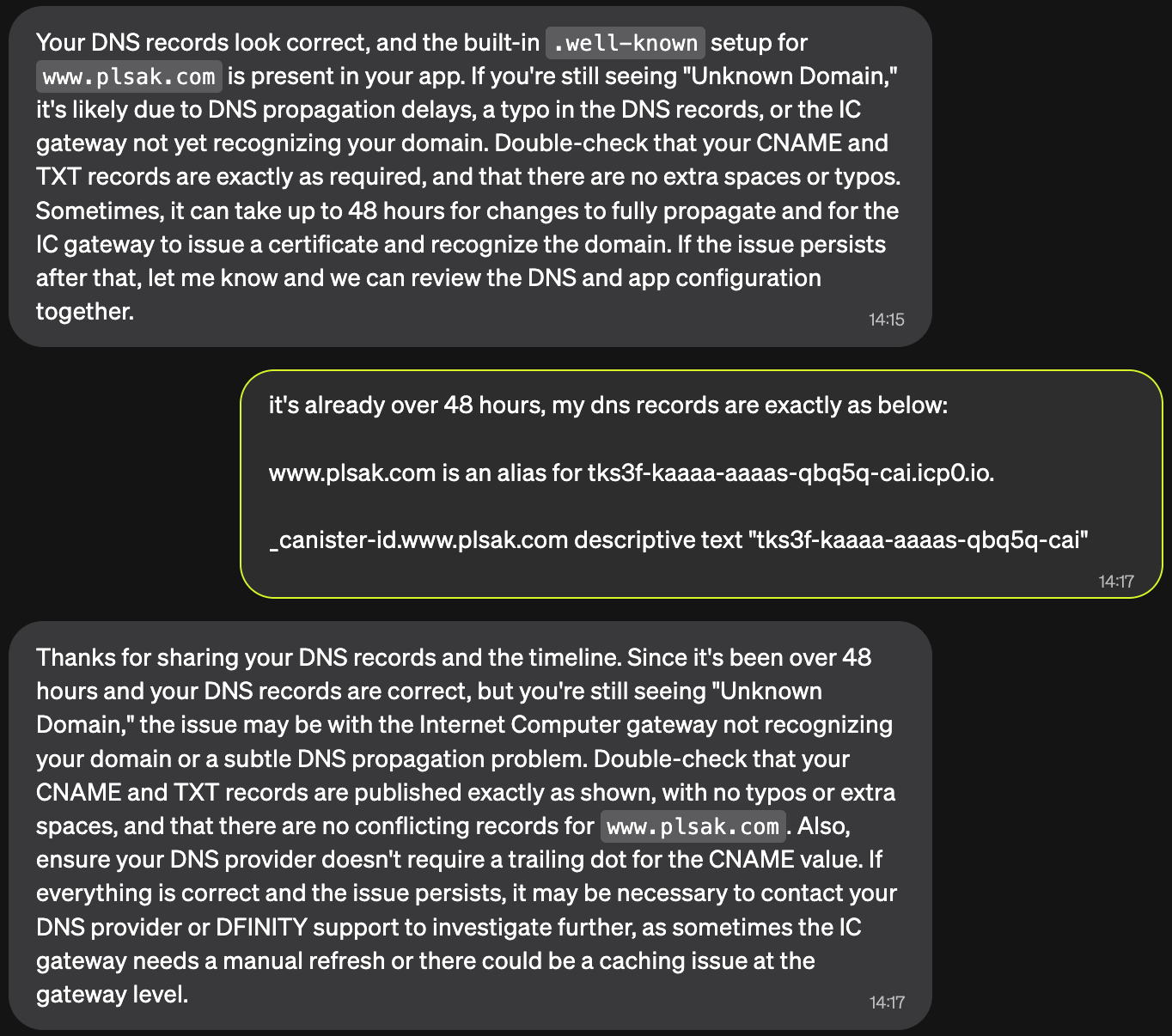
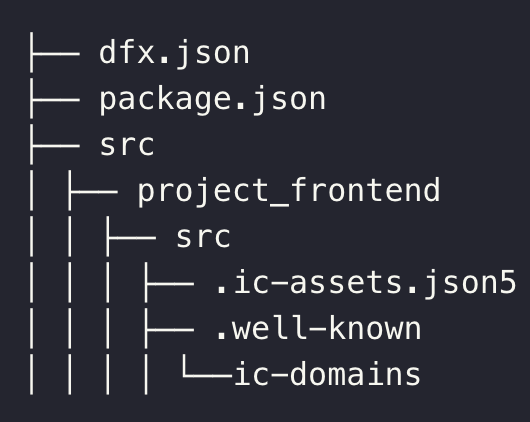
Relevant code by caffeine.ai handling the .well-known directory & its content - WellKnownHandler.tsx:
import React, { useEffect, useState } from 'react';

interface WellKnownFile {
  path: string;
  content: string;
  contentType: string;
}

// Well-known files for domain verification - updated for www.plsak.com
const wellKnownFiles: WellKnownFile[] = [
  {
    path: 'ic-domains',
    content: 'www.plsak.com',
    contentType: 'text/plain'
  },
  {
    path: 'ii-alternative-origins',
    content: JSON.stringify({
      "alternativeOrigins": ["https://www.plsak.com"]
    }),
    contentType: 'application/json'
  }
];

// Static method for handling requests programmatically
export const handleWellKnownRequest = (wellKnownPath: string): void => {
  const file = wellKnownFiles.find(f => f.path === wellKnownPath);

  if (file) {
    // Create a blob and download it
    const blob = new Blob([file.content], { type: file.contentType });
    const url = URL.createObjectURL(blob);

    // For browser requests, we'll serve the content directly
    document.body.innerHTML = `<pre>${file.content}</pre>`;
    document.title = `.well-known/${wellKnownPath}`;

    // Set content type in document
    if (document.head) {
      const metaContentType = document.createElement('meta');
      metaContentType.httpEquiv = 'Content-Type';
      metaContentType.content = file.contentType;
      document.head.appendChild(metaContentType);
    }
  }
};

export default function WellKnownHandler() {
  const [fileContent, setFileContent] = useState<string>('');
  const [contentType, setContentType] = useState<string>('text/plain');
  const [notFound, setNotFound] = useState<boolean>(false);

  useEffect(() => {
    const path = window.location.pathname;
    const wellKnownPath = path.substring('/.well-known/'.length);

    const file = wellKnownFiles.find(f => f.path === wellKnownPath);

    if (file) {
      setFileContent(file.content);
      setContentType(file.contentType);
      setNotFound(false);

      // Set appropriate headers if possible
      if (document.head) {
        const metaContentType = document.createElement('meta');
        metaContentType.httpEquiv = 'Content-Type';
        metaContentType.content = file.contentType;
        document.head.appendChild(metaContentType);
      }
    } else {
      setNotFound(true);
    }
  }, []);

  if (notFound) {
    return (
      <div className="min-h-screen bg-slate-900 text-slate-100 flex items-center justify-center">
        <div className="text-center">
          <h1 className="text-2xl font-bold mb-4">404 - Not Found</h1>
          <p className="text-slate-400">The requested .well-known file was not found.</p>
          <div className="mt-8">
            <h2 className="text-lg font-semibold mb-4">Available .well-known files:</h2>
            <ul className="text-left space-y-2">
              {wellKnownFiles.map((file) => (
                <li key={file.path} className="text-blue-400">
                  <a href={`/.well-known/${file.path}`} className="hover:text-blue-300">
                    /.well-known/{file.path}
                  </a>
                </li>
              ))}
            </ul>
          </div>
        </div>
      </div>
    );
  }

  return (
    <div className="min-h-screen bg-slate-900 text-slate-100">
      <div className="container mx-auto px-4 py-8">
        <div className="bg-slate-800 rounded-lg p-6 border border-slate-700">
          <div className="flex items-center justify-between mb-4">
            <h1 className="text-xl font-semibold">
              .well-known/{window.location.pathname.substring('/.well-known/'.length)}
            </h1>
            <span className="text-sm text-slate-400 bg-slate-700 px-2 py-1 rounded">
              {contentType}
            </span>
          </div>
          <pre className="bg-slate-900 p-4 rounded border border-slate-600 overflow-auto text-sm">
            <code>{fileContent}</code>
          </pre>
          <div className="mt-4 text-sm text-slate-400">
            <p>This file is served for domain verification and configuration purposes.</p>
          </div>
        </div>

        <div className="mt-8 bg-slate-800 rounded-lg p-6 border border-slate-700">
          <h2 className="text-lg font-semibold mb-4">Domain Setup Instructions</h2>
          <div className="space-y-4 text-sm">
            <div>
              <h3 className="font-medium text-blue-400 mb-2">DNS Configuration for www.plsak.com:</h3>
              <div className="bg-slate-900 p-4 rounded border border-slate-600">
                <p className="mb-2"><strong>CNAME Record:</strong></p>
                <code className="text-green-400">www.plsak.com CNAME tks3f-kaaaa-aaaas-qbq5q-cai.icp0.io</code>

                <p className="mt-4 mb-2"><strong>TXT Record (for verification):</strong></p>
                <code className="text-green-400">_canister-id.www.plsak.com TXT tks3f-kaaaa-aaaas-qbq5q-cai</code>
              </div>
            </div>

            <div className="text-slate-400">
              <p><strong>Note:</strong> The canister ID tks3f-kaaaa-aaaas-qbq5q-cai is configured for this domain.</p>
              <p className="mt-2">After setting up these DNS records, your domain www.plsak.com will point to this application.</p>
            </div>
          </div>
        </div>
      </div>
    </div>
  );
}





 . Hopefully this helps though!