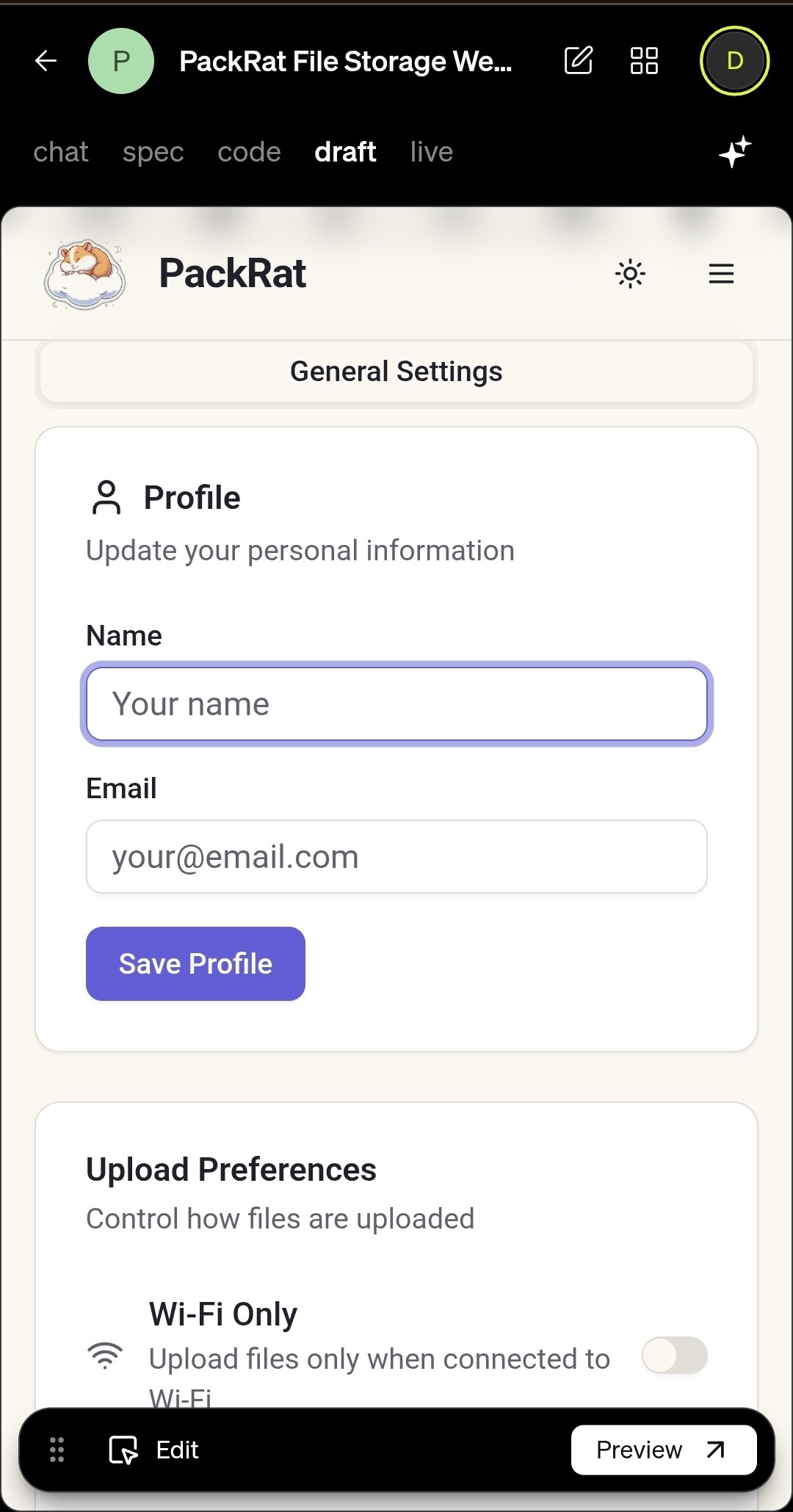
Hi guys I’m trying to get stripe integration into my settings menu but caffeine ai keeps failing.
App Name: PackRat (draft)
Problem Summary: The Stripe setup form is not displaying under the admin settings panel, even though admin login works.
Files Involved: frontend/src/components/AdminPanel.tsx, frontend/src/components/StripeSetup.tsx, frontend/src/components/SettingsView.tsx.
What Happens: The admin panel loads, but fields for publishable and secret keys don’t render; saving keys doesn’t work.
What You’ve Tried: Logged in as admin, verified backend has setStripeConfiguration, reviewed related frontend components.
Expected Behavior: Input fields should appear for Stripe keys with save functionality, success feedback, and backend validation