So it looks like either I’m an idiot, possible, or caffeine doesnt know how to display icp NFT’s I trying to help it but I think i’m missing a piece of the puzzle
Any help would be appreciated as we need to call NFTs and their meta to be used in games

It’s possible that CaffeineAI doesn’t fully support the ext NFT standard, which may be causing the display issue.
A potential solution would be to compare the output of get_metadata() or token_metadata() with what CaffeineAI expects.
okay will give that a try
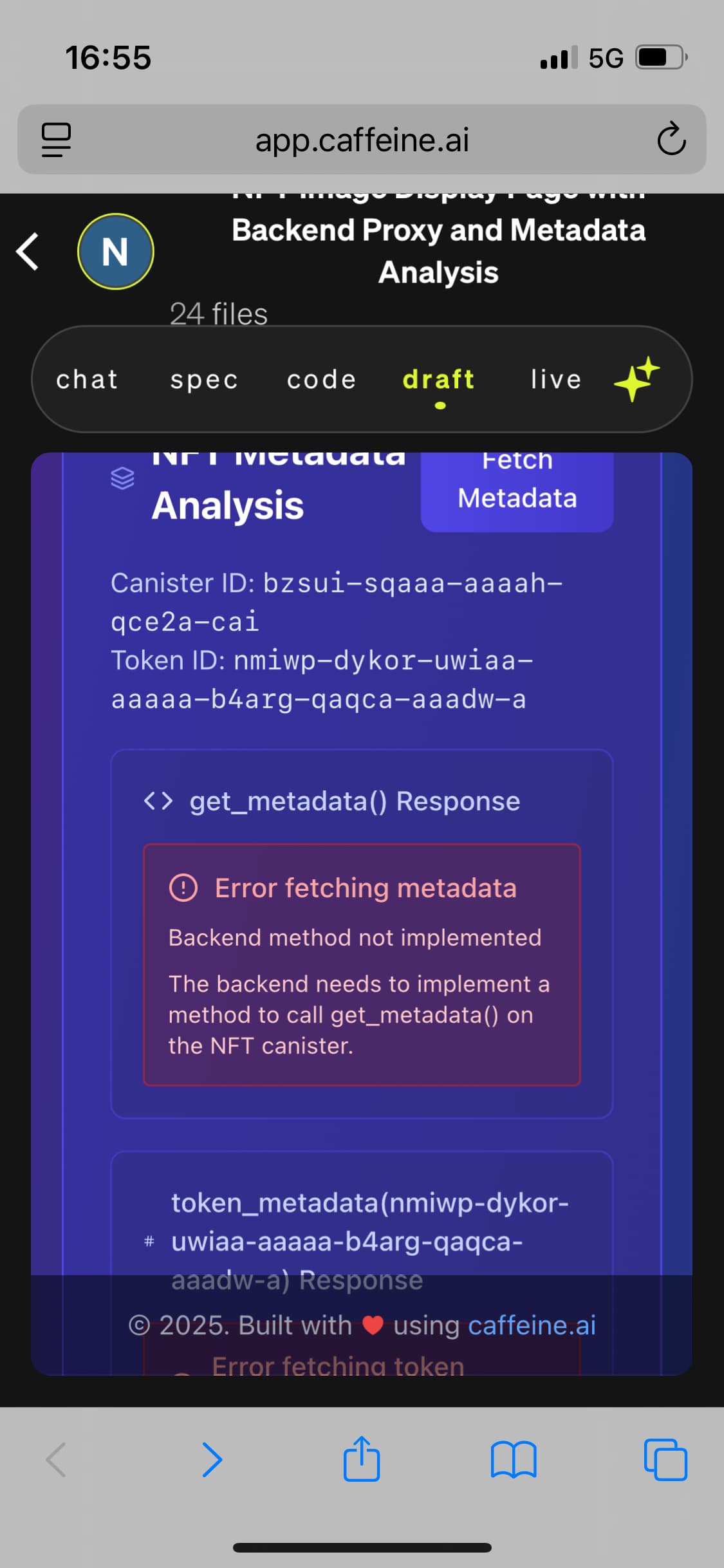

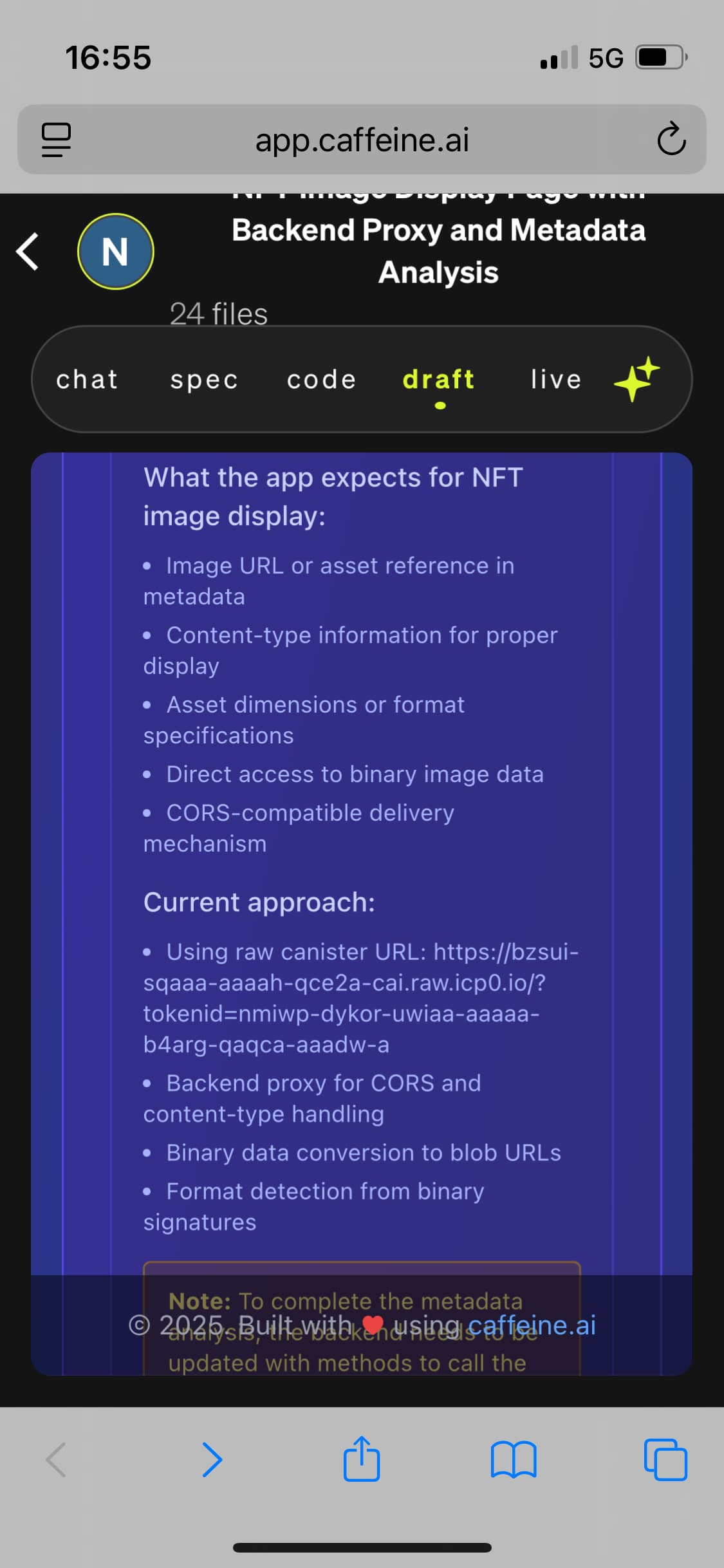

Did you tell it how to convert between ext nft index to ext nft principal? And then how that’s used to get the url to load the image?
It probably won’t know these things for the EXT standard, but you can try to tell it 
Unfortunately these details of the ext standard are not well documented anywhere as far as I’ve seen, so it’s unlikely that it got picked up in the training data in comparison to e.g. ICRC-1.
const numberToUint32 = (num: number, littleEndian?: boolean): Uint8Array => {
  let b = new ArrayBuffer(4);
  new DataView(b).setUint32(0, num, littleEndian);
  return new Uint8Array(b);
};
const tokenIndexToId = (
  canisterId: Principal,
  index: bigint,
): Principal => {
  const padding = new Buffer("\x0Atid");
  const array = new Uint8Array([
    ...padding,
    ...canisterId.toUint8Array(),
    ...Array.from(numberToUint32(Number(index), false)),
  ]);
  return Principal.fromUint8Array(array);
};

const imageUrl = `https://${canisterId.toText()}.raw.icp0.io/?tokenid=${tokenIndexToId(canisterId, tokenIndex)}`;
You could alternatively maybe also ask it to use @slide-computer/tokens and @slide-computer/tokens-ext.
As for other metadata like traits, those are not on-chain for most ext collections as far as I’ve seen 
I remember grabbing the traits with a cors proxy from the entrepot/toniq backend filters json file
I copied all that into caffeine, lets see what happens 
luckily i have the pokedbot traits in a doc already and a clone of the images
